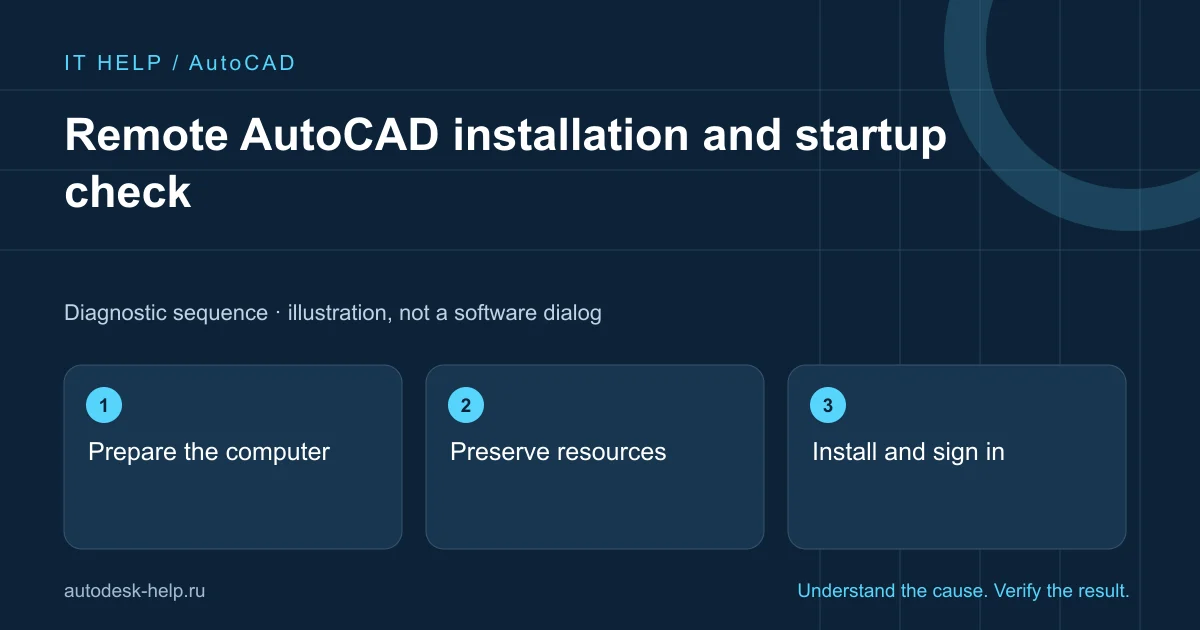
Prepare the computer
Provide Windows, free space and existing release details. Requirements are checked for the selected year; coordinate administrator restrictions first.
Preserve resources
Back up agreed DWG drawings, templates, plotting and SPDS and account for shared components used by other products.
Install and sign in
Use your account and licence. We help with the available distribution and agreed components; installing files does not grant entitlement.
Acceptance test
Check normal startup, a test file and saving. Project-specific plugins and resources are agreed separately.
What to prepare for support
A clear description helps select the next check before connecting. Send the product year, Windows version and full error screenshot with personal details hidden. For a file issue, say whether other projects behave the same way.
- What happened immediately before the fault?
- Does it affect one project or the whole application?
- Which steps have you already tried, and what changed?
We agree the scope and cost before an AnyDesk or RuDesktop session. You keep control of the connection and enter account credentials yourself.
Describe the problem ↗Technical reference
Product requirements and repair procedures vary by release. This guide explains initial checks; use the vendor instructions for your exact environment.