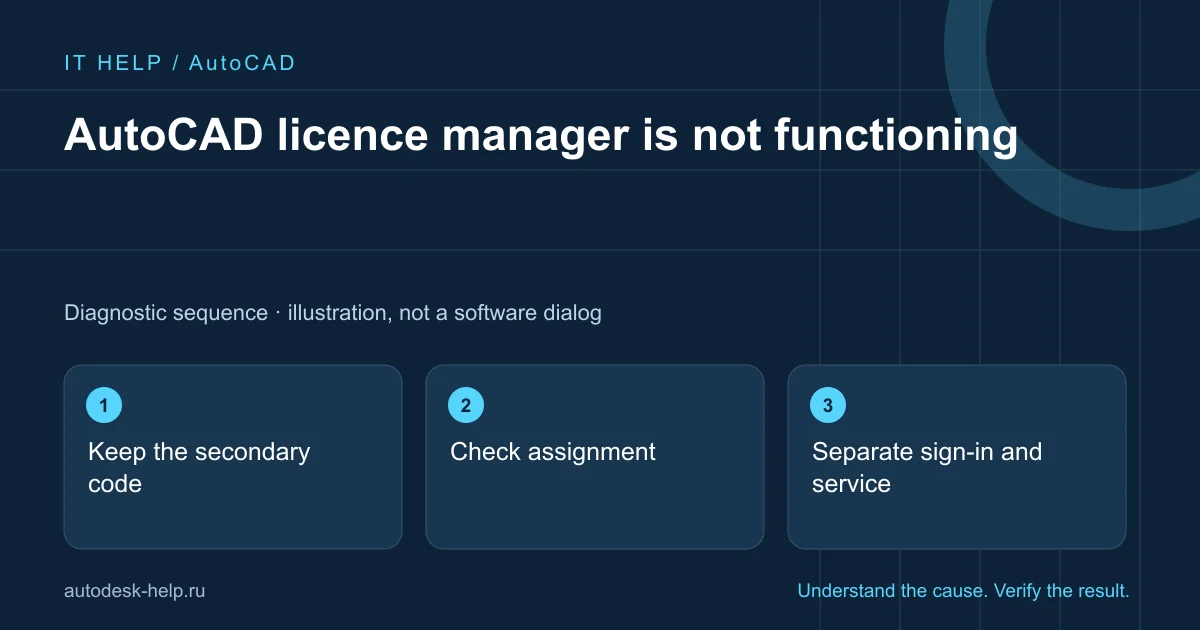

Keep the secondary code
Record the complete message and whether it occurs before or after sign-in or a PC change.
Check assignment
Confirm the product is assigned to the intended Autodesk Account. Do not share passwords or verification codes.
Separate sign-in and service
A missing sign-in window differs from a crash after successful authentication. Record the sequence.
Verify normal use
Create and save a drawing and restart under the normal user account after repair.
What to prepare for support
A clear description helps select the next check before connecting. Send the product year, Windows version and full error screenshot with personal details hidden. For a file issue, say whether other projects behave the same way.
- What happened immediately before the fault?
- Does it affect one project or the whole application?
- Which steps have you already tried, and what changed?
We agree the scope and cost before an AnyDesk or RuDesktop session. You keep control of the connection and enter account credentials yourself.
Describe the problem ↗Technical reference
Product requirements and repair procedures vary by release. This guide explains initial checks; use the vendor instructions for your exact environment.