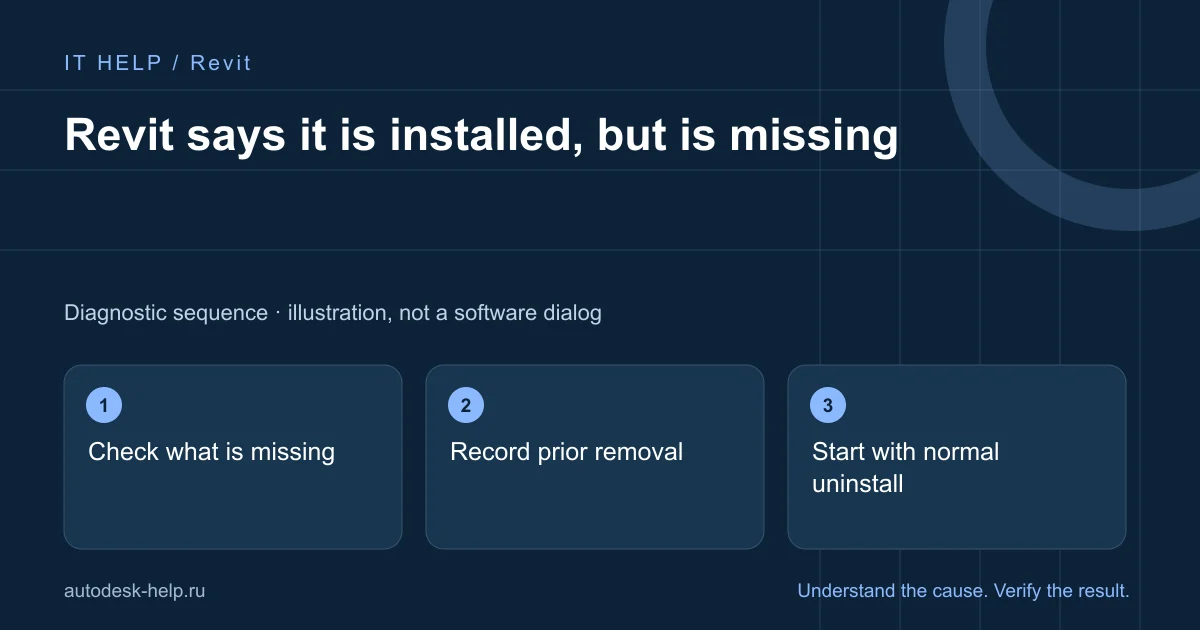
Check what is missing
Compare the release in Windows apps with the setup message. A missing shortcut is not a missing application.
Record prior removal
Note whether removal used Windows, a utility or manual deletion. Keep the complete message.
Start with normal uninstall
Remove the matching entry normally. If that fails, use the vendor procedure for your Windows version.
Verify the new install
Restart after removal, install the intended release and create a blank project before testing a model copy.
What to prepare for support
A clear description helps select the next check before connecting. Send the product year, Windows version and full error screenshot with personal details hidden. For a file issue, say whether other projects behave the same way.
- What happened immediately before the fault?
- Does it affect one project or the whole application?
- Which steps have you already tried, and what changed?
We agree the scope and cost before an AnyDesk or RuDesktop session. You keep control of the connection and enter account credentials yourself.
Describe the problem ↗Technical reference
Product requirements and repair procedures vary by release. This guide explains initial checks; use the vendor instructions for your exact environment.